Basic
Keep the main task in view, with fewer summary cards and less supporting information. A focused starting point for recording expenses and checking your budget.


Talents is a personal finance tracker with Basic, Standard and Complex visual modes. Choose how much information you see while budgeting, recording expenses and reviewing your finances.
Start with the key figures or bring more detail into view. Each mode uses the same records, so you can change how you work without starting again.
Get started freeA monthly check-in may only need a few figures. Reviewing your spending or a future plan can call for more context. Visual modes let the amount of information on screen suit the task.
Keep the main task in view, with fewer summary cards and less supporting information. A focused starting point for recording expenses and checking your budget.
See your core figures alongside more context, selected charts and supporting details. Standard is the default when you create a Talents account.
Bring more of the available detail onto the screen, with additional summaries, breakdowns and controls where supported. Useful when you want to examine your records more closely.
These are example dashboard views. The preview changes here without changing your account settings.
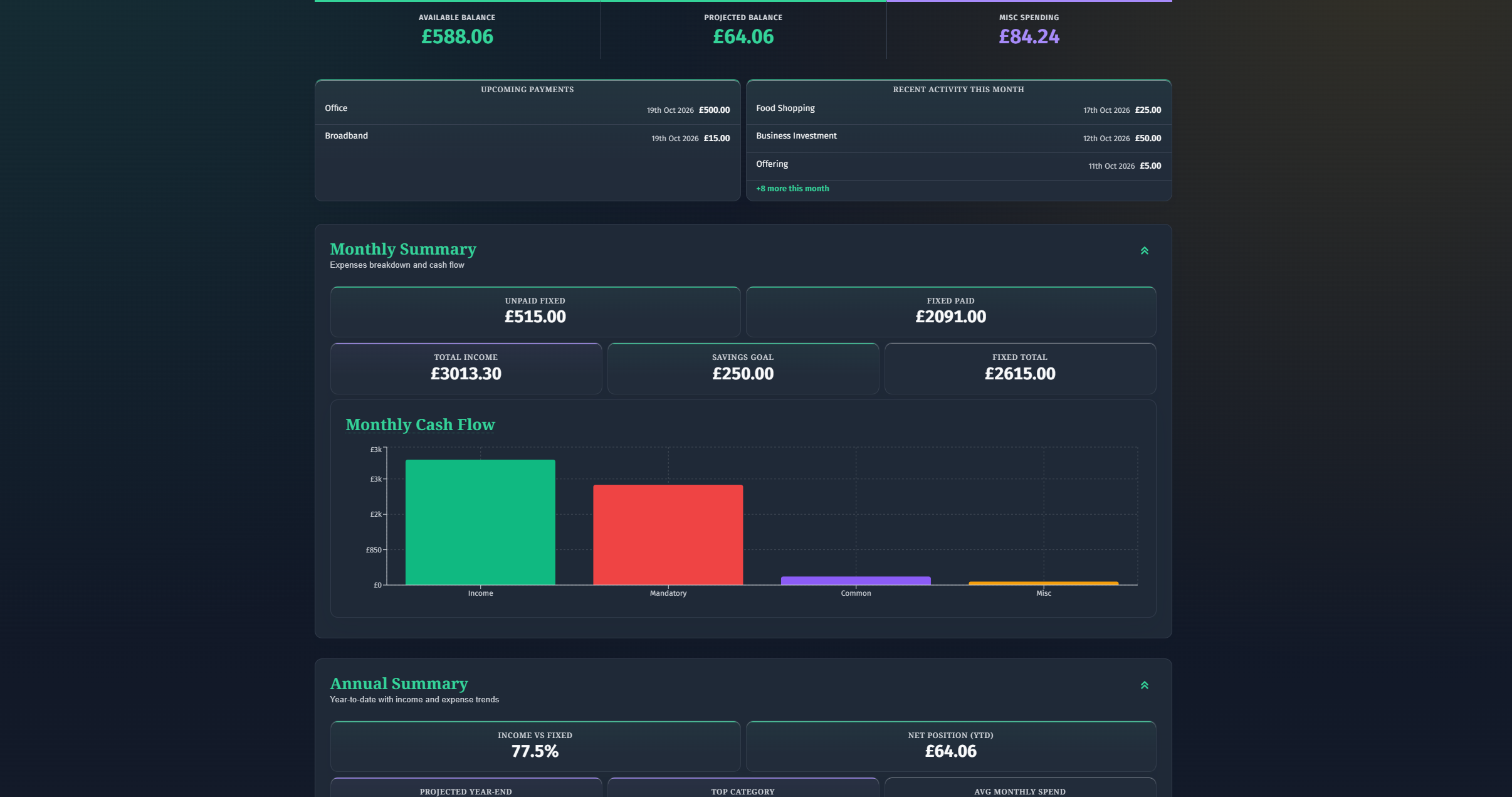
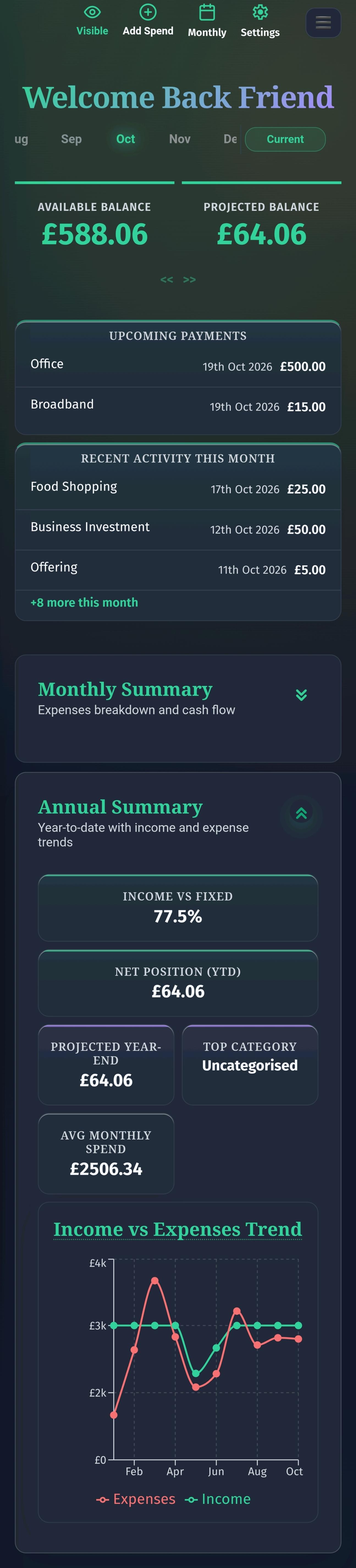
Modes affect more than the dashboard. These examples show how summaries and supporting detail change across Talents. The exact differences depend on the page.
Changing visual modes does not delete your budgets, transactions or saved plans. Basic does not mean you have to stop tracking detail, and Complex does not give you extra permissions.
Visual modes are separate from Free and Pro plans, ledger roles, and light or dark themes. Your plan and permissions still determine which features and records you can access. A simpler view is available on desktop as well as mobile.
Compare plans and accessOpen Settings, find the visual mode choices and select Basic, Standard or Complex. The choice is saved as your app-wide preference. You can change it again whenever you need a different view.
If you are new to Talents, start with Standard and see whether you prefer less information or more. Read how Talents works for monthly budgets, recurring expenses and financial planning, or learn about the approach behind the app.
Get started free